IDE
Navigation
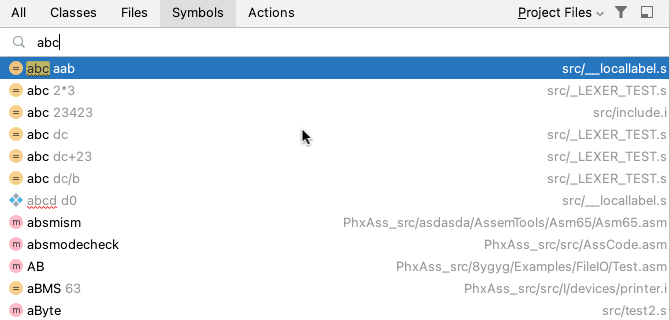
Navigate | Symbol for labels/symbols
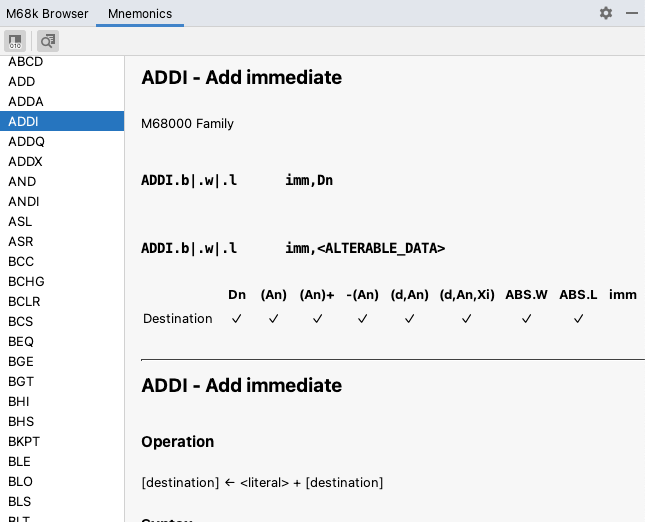
M68k Browser Tool Window
Provides access to all syntax and reference documentation.
Use Navigate | Select In… on the current element in editor to open it in the M68k Browser tool window.
💡To search for entries, put the focus on the element list on the left and start typing.
All toggle buttons have keyboard shortcuts (see tooltips).
Mnemonics
Browse all supported mnemonics with additional reference documentation
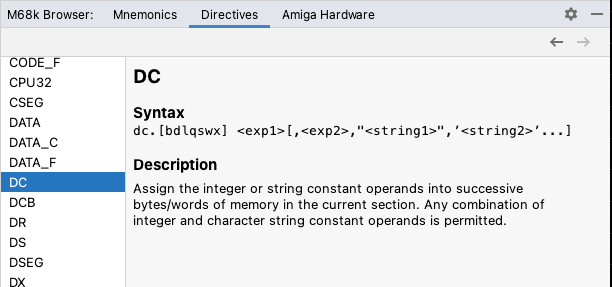
Directives
Browse all supported (conditional assembly) directives with reference documentation
Registers
Browse all supported registers with reference documentation

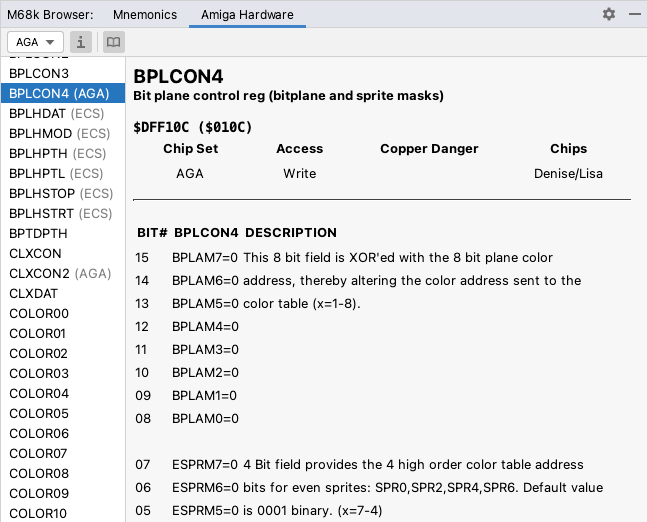
Amiga Hardware
Target platform must be set to Amiga
Browse all hardware registers with additional reference documentation.
Register list can be filtered by OCS, ECS, and AGA chip set and CIAx registers can be toggled.
Use the i toggle button to show chip set information in the list.
External Tools
Navigate to file:lineNumber location or label(s) from vasm console messages. Navigate to file:lineNumber location from rg-asm console messages.

Version Control
Completion of label names in Commit Message
Other
Register FILE_ID.DIZ, startup-sequence, and *.NFO files as plain text files