Editor
Syntax Highlighting
Settings
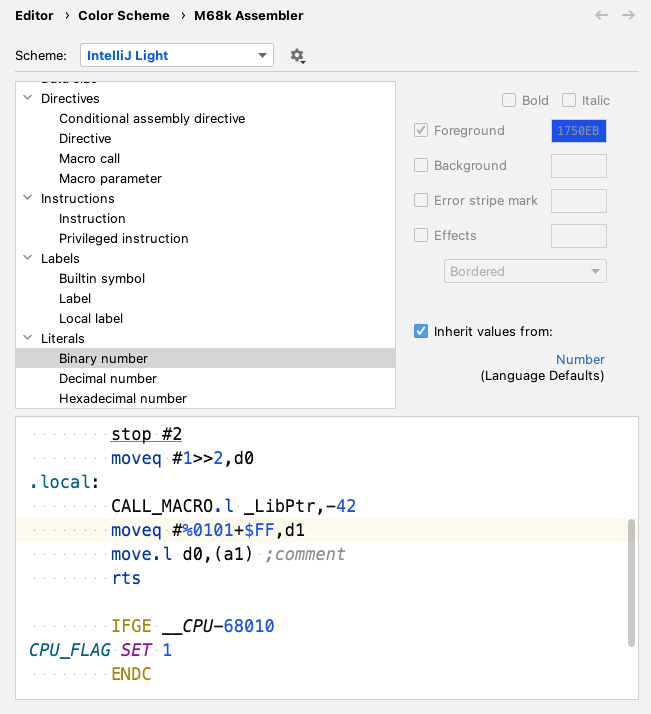
Fully customizable via Settings | Editor | Color Scheme | M68k Assembler.
Virtually every syntax element can be configured separately. Additional highlighting is performed for privileged instructions (possibly depending on operands). Enable Semantic highlighting to highlight macro call names using a configurable rainbow color scheme.
Parser Highlighting
Detailed on-the-fly semantic error highlighting for all instructions and directives

Method Separator
For macro/endm, section and machine directives (machine, mc68010 etc.) via Show method separators option in Settings | Editor | General | Appearance
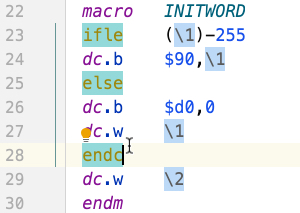
Highlight matching braces and directives
Highlight Misc
- Highlight/navigate URLs in comments and string literals
Documentation
Hover: enable Show quick documentation on hover in Settings | Editor | Code Editing
Mnemonics
View | View Quick Documentation Show mnemonic documentation (or on mouse hover), the current variant is underlined
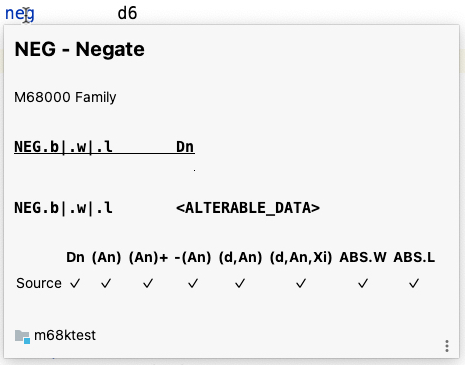
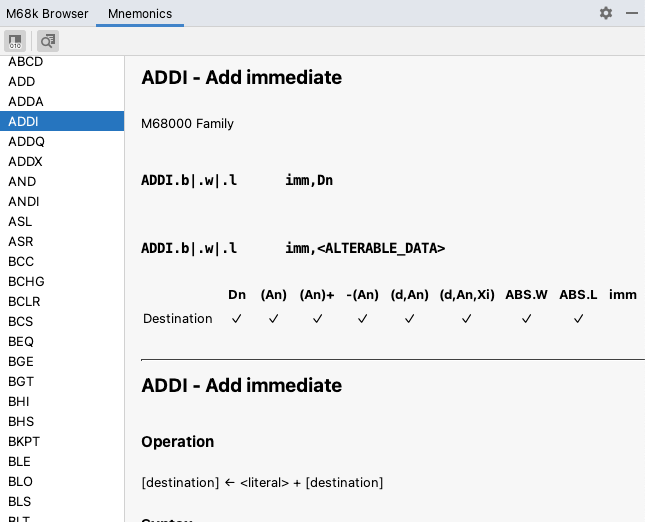
M68k Browser tool window lists all supported mnemonics with additional reference documentation
Directives
View | View Quick Documentation Show directive reference documentation
Registers
View | View Quick Documentation Show register reference documentation
Labels
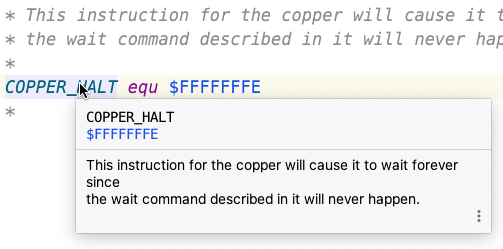
View | Quick Documentation for labels: show preceding lines or EOL comment(s)
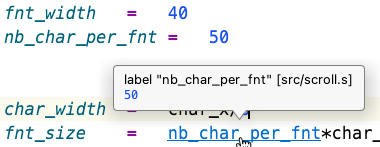
Ctrl+Click: Show type and value tooltip for labels
Literals
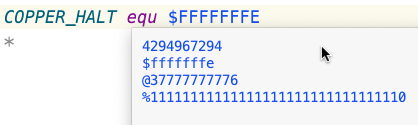
View | Quick Documentation for number literal: show in decimal, hexadecimal, octal, and binary notation
Labels
Navigate | Declaration or Usages - Ctrl+Click
Completion
Smart completion for labels, e.g., ranking current local labels and labels from the current file higher in the completion popup.
Builtin Symbols
Completion and Ctrl+Click hover information

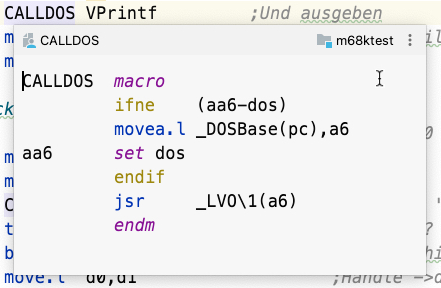
Quick Definition
View | Quick Definition to inspect label at caret in a popup without leaving the current editor
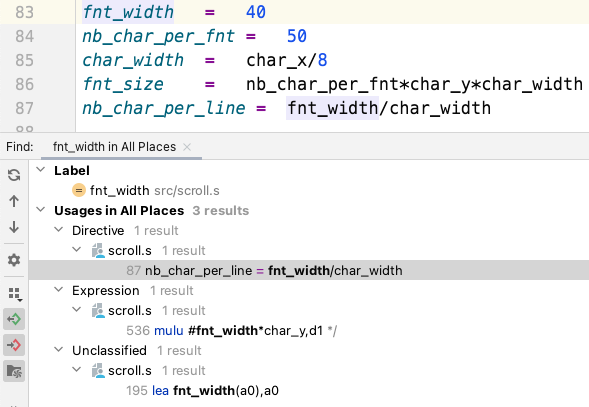
Find Usages
Edit | Find Usages (grouped by type)
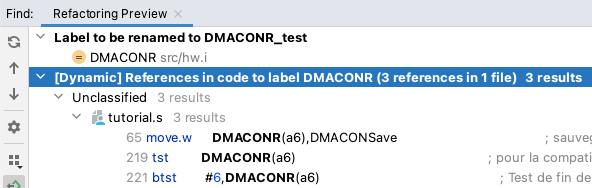
Rename Refactoring
Rename labels using Refactor | Rename across the whole project with usage preview
Editing
- Smart Edit | Extend/Shrink Selection
- Smart braces/quote handling
- Code | Comment with Line Comment
- Code | Move Element Left/Right for
exg/cmpm, binary expressions, register list, macro call parameters,dc/drvalues - Spellchecker with bundled dictionaries (M68k/Amiga/”Scene” jargon)
- Code Folding (Settings | Editor | General | Code Folding)
- Zero-terminated string literal (
dc.b "a text",0→"a text") - Custom regions via enclosing
* region [placeholderText]/* endregioncomments
- Zero-terminated string literal (
- Live Templates (Settings | Editor | Live Templates)
- Code Style Settings (Settings | Editor | Code Style | M68k Assembler)
- Tab Size
- Visual Guides
Navigation
- Move Caret to Code Block Start/End for matching directives
- View | Appearance | Navigation Bar
- Enable Show Members to show current parent label
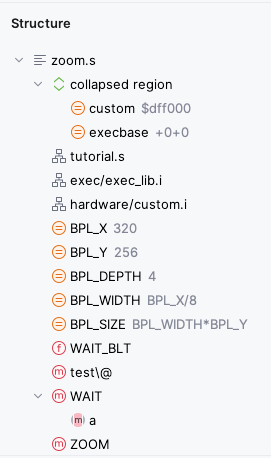
Structure
Structure View tool window and Navigate | File Structure popup for the current file
Code Insight
Intentions
Invoke intention via Alt+Enter
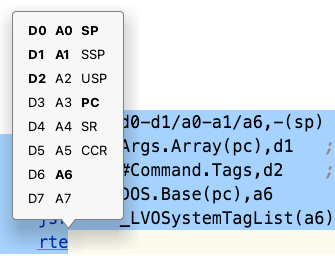
Show Used/Free Registers for selection